

A smart switch box for the PA0MBJ antenna switch
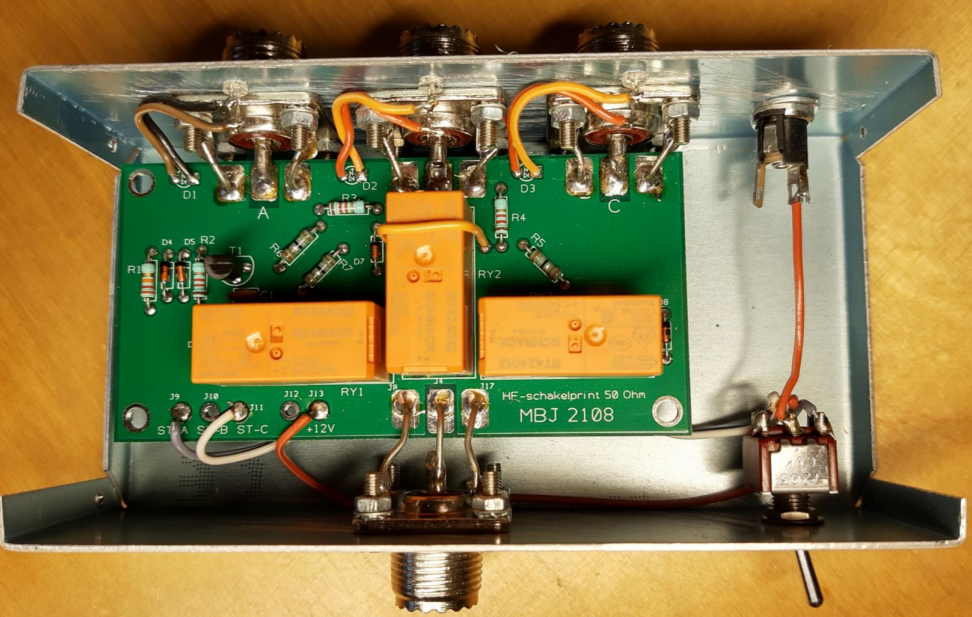
If you are a radio amateur and have some HF antennas but do not want to use too many antenna cables, then the Antenna switch from Mans PA0MBJ a very handy device. It can be equipped with a switch on the box itself or with a thin cable with a few wires to a switch box in the remote radio shack. I have quite long antenna cables (20+ meters), and as a home automation/electronics enthusiast, I naturally needed a clever solution.
A smart switch box, so why make it easy when it can be difficult? ;-)
One of the things that is important is to be sure that the active HF antenna is actually connected to the radio via the antenna switch. Most radios are protected, and you'll naturally have an SWR meter with the set, but extra protection never hurts. It's also nice to have a display showing which antenna is active.
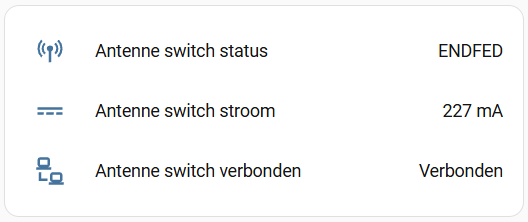
Optionally, you can also have this information forwarded to your home automation system!
Hardware setup
-
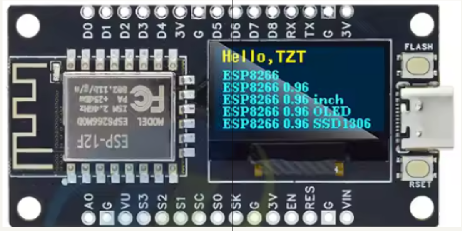
A NodeMCU ESP8266 board with OLED display
-
A 3-channel INA3221 I2C DC current/voltage sensor module (with separate inputs!)
-
A beautiful box with a transparent lid
-
A 3-position switch
-
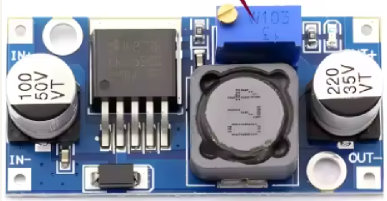
An LM2596 step down converter to convert 12 volts to 3.3 volts
-
And a few connectors: 2x chassis connector 4-pin including plugs, 1x chassis connector 2-pin including plug
-
A 12Volt DC adapter
Built-in features
Depending on the switch position (1, 2, or 3), the current to the corresponding relay in the MANS antenna switch is measured. If Wi-Fi and possibly an MQTT server are configured in the program code (and this has been compiled and flashed to the ESP8266), the unit will connect to it. If there's an active MQTT connection, the antenna's active status and the unit's status are transmitted. Home automation enthusiasts will certainly appreciate this. The following information is displayed on the unit's screen:
-
Name of the enabled antenna (in my case the Endfed, HW10 vertical or the dummy load, of course adjustable in the program code)
-
WIFI and/or MQTT connection activated
-
Voltage and current going to the activated relay
-
If the current to the switched relay is too low, or not connected or possibly broken, this will be clearly indicated
Software & Hardware switching
The open-source software can be compiled and modified with the Arduino IDE. The code and an MQTT example can be downloaded below.
Regarding the hardware assembly, the chassis connectors (including plugs) and the housing: how you do that is, of course, entirely up to you. First, connect the step-down converter to the 12-volt DC power supply and set the converter's output to 3.3 volts. This is important, as this 3.3 volts powers the ESP and INA boards, which can't handle higher voltages! Once you've done that, you can assemble the rest, install the software on the ESP, and after checking everything thoroughly, you can test a few things. Mount everything in a nice box with some connection hardware of your choice according to the diagram below, install the software on the ESP, and finally, install the wiring.
On the right an MQTT info example on a HomeAssistant dashboard ➡️
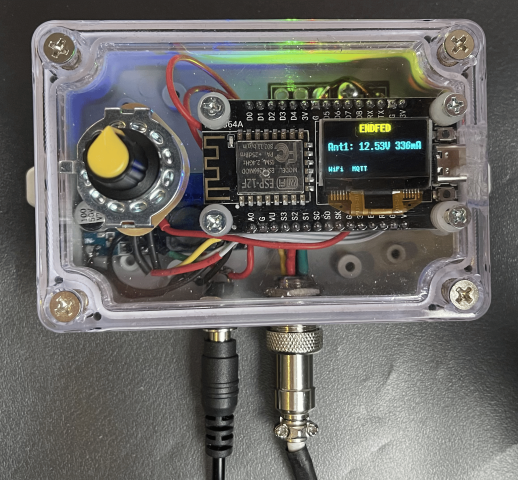
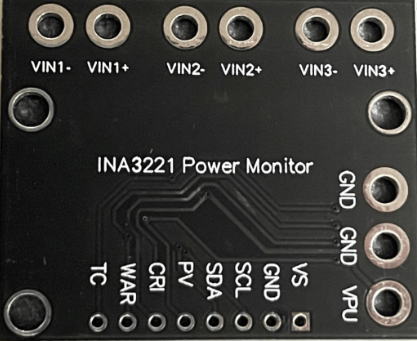
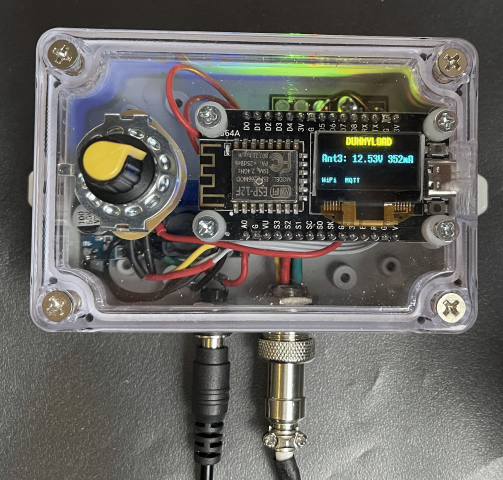
The connections to be made:
ESP8266: 3.3V, GND, D5 (SDA), D6 (SCL)
Stepdown: IN+ (12V), IN-, OUT- (GND), OUT+ (3.3V)
3-position switch: common-IN (12V), position1 (CH1+), position2 (CH2+), position3 (CH3+)
INA3221: 3.3V, GND, SDA, SCL, CH1+, CH2+, CH3+, CH1-, CH2-, CH3-
PA0MBJ antenna switch: GND, 12V-relais1 (CH1-), 12V-relais2 (CH2-), 12V-relais3 (CH3-)